Built for the wedding day
Ceremony, detail, and the recorder rarely press record together. Meridian treats that as the normal case.
Timeline sync
The timeline, already in sync. Three cameras and a recorder should not cost you the first hour of the edit. Meridian listens, places every clip, and writes a timeline DaVinci Resolve, Final Cut and Premiere can open.
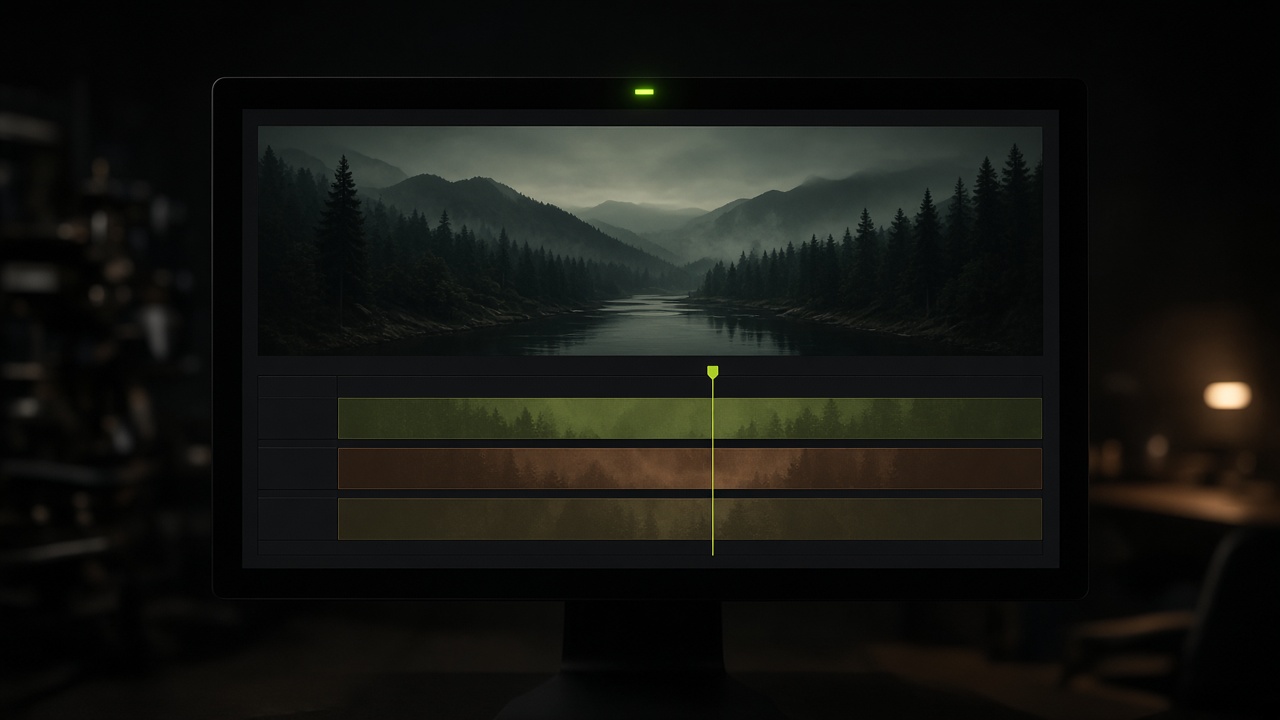
Ceremony, detail, and the recorder rarely press record together. Meridian treats that as the normal case.
Nothing is trimmed and nothing is copied into a temporary folder. The timeline points at the media you already have.
DaVinci, Final Cut and Premiere each get a file they can import. Resolve also gets a second XML if the first pass comes in offline.
The day
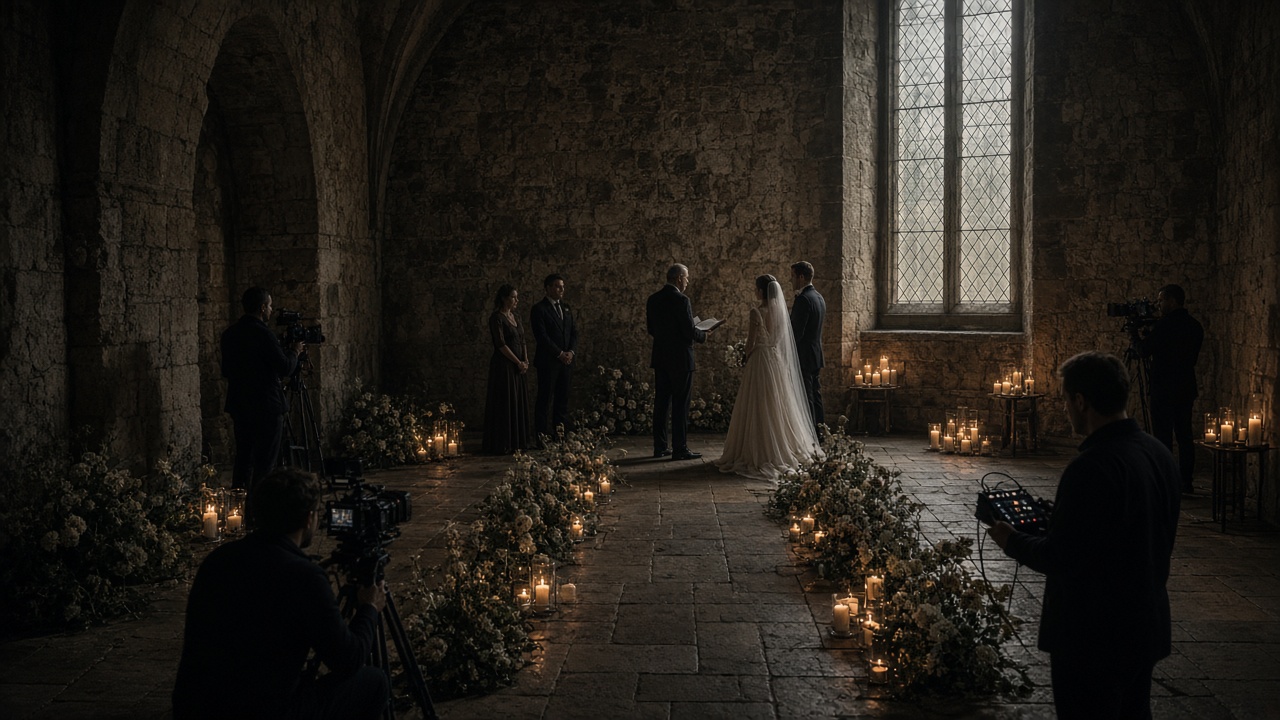
The ceremony camera rolls early. The detail camera starts late. The recorder has been running since the couple walked in. By the time you sit down, picture and sound disagree by seconds, and those seconds are the part the couple will watch twice. Lining that up by hand is how a delivery slips.
The sync
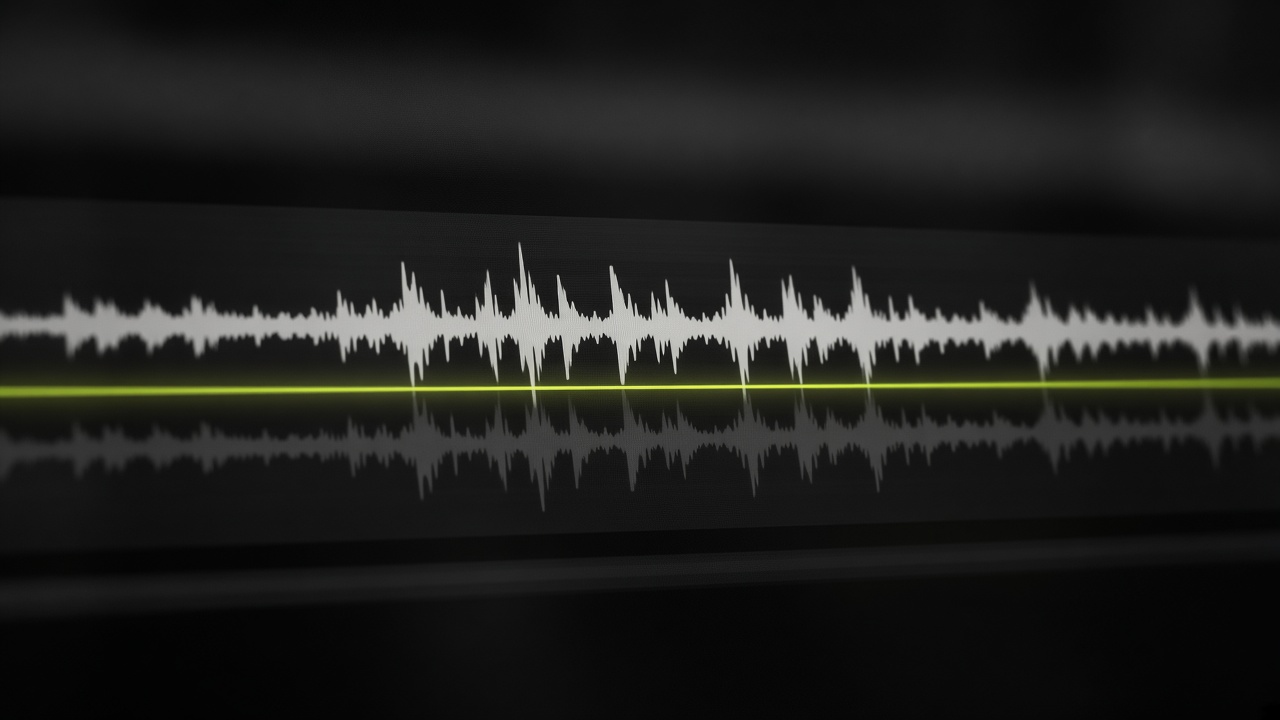
Point Meridian at the folder. Nested folders come with it. It reads the sound, finds the shared passage, and lays each clip on its own track. The longest audible file is the reference. You can choose another before you sync.
The limit
If a camera runs ahead of the recorder, Meridian says so. It does not speed the file up or slow it down. A time remap does not survive the trip into Resolve, and a rewritten audio file is how relink breaks. The clip is placed whole. You decide what the drift is worth.
Mac with Apple silicon · macOS 12 or later